April 24, 2026
Obsidian as markdown editor for my Thoughts section
I am used to writing notes in Obsidian every day.
It is already the place where I keep drafts, fragments, questions, project notes, and small observations. So when I started building the Thoughts section for my portfolio site, I did not want to introduce another writing surface just for publishing.
I wanted to keep the format that already feels natural.
So I made a separate Obsidian vault, connected it to this repository and GitHub, and use it as a Markdown editor for the site. I write notes in the same familiar way, with plain text, links, images, and code blocks. The code reads those .md files, applies the site styles, and turns them into formatted articles.
After a pull request is merged, the note appears on the site.
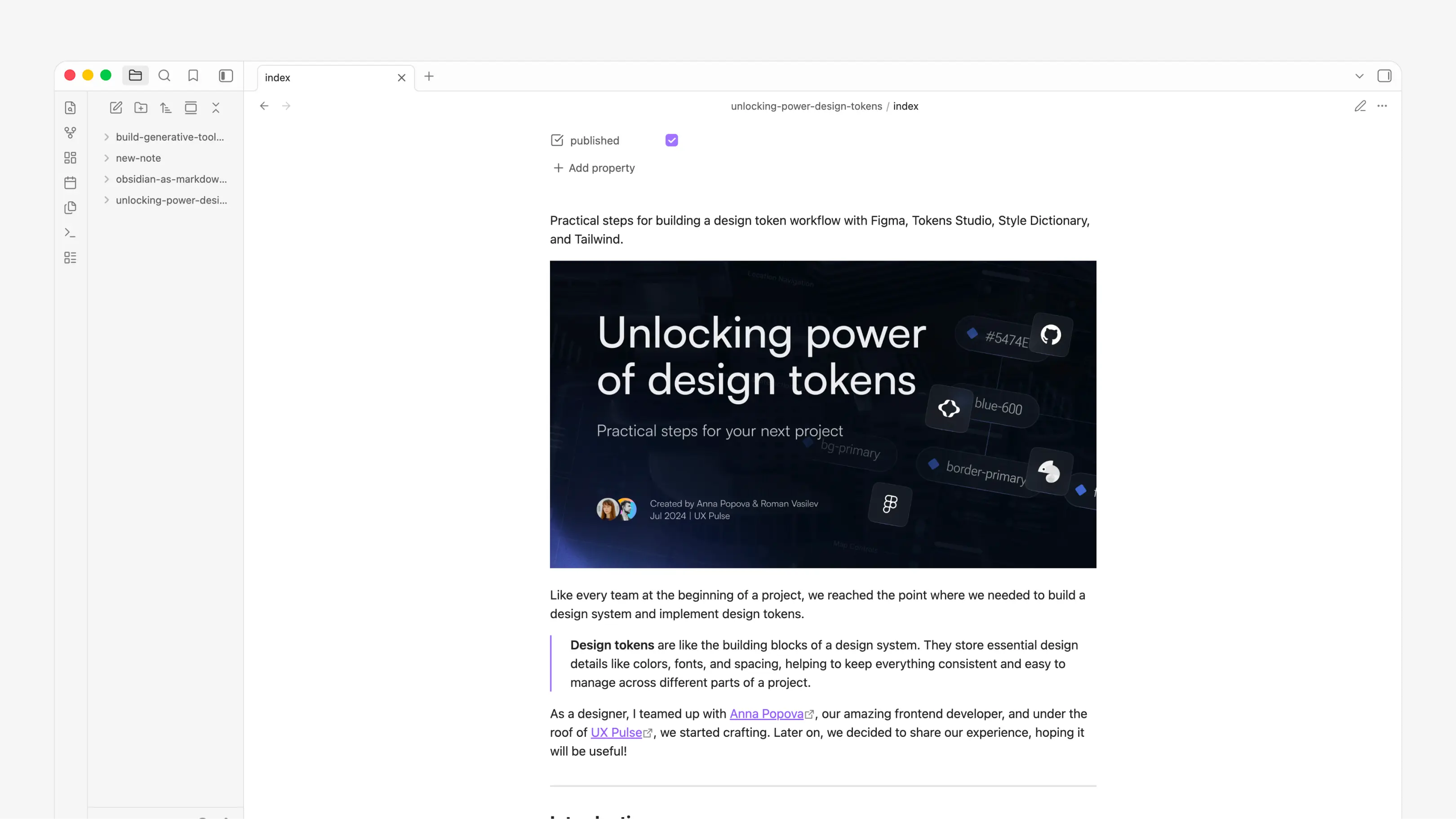
The setup is intentionally simple.
Each note is a folder inside content/thoughts. The folder name becomes the page slug, and the note itself lives in index.md. If the note has images, videos, or other local media, they sit next to it in a media folder.
That means a thought is self-contained:
index.mdstores the writing.mediastores the local assets.- frontmatter stores the title, date, description, and publish state.
- the website reads the folder and creates the route automatically.
So when I write in Obsidian, I am already writing in the same format the site understands.
I can draft a note, add a cover image, paste a code block, or keep a small reference list. As soon as the file is in the right folder structure, the site can render it as a page.
The workflow looks like this:
- Create a new folder in
content/thoughts. - Add an
index.mdfile. - Write the note in Obsidian.
- Put images or videos in
media. - Publish when it feels ready.
The nice part is that there is almost no translation step.
I do not need to copy text from one editor into another system, rebuild the layout by hand, or upload assets somewhere else. The markdown file is the source. Obsidian is the writing interface. The site is just the place where the note becomes visible.
It keeps the writing close to the site, but still gives me a calm place to think before publishing.